Showing posts with label procreate. Show all posts

Monday, September 17, 2018

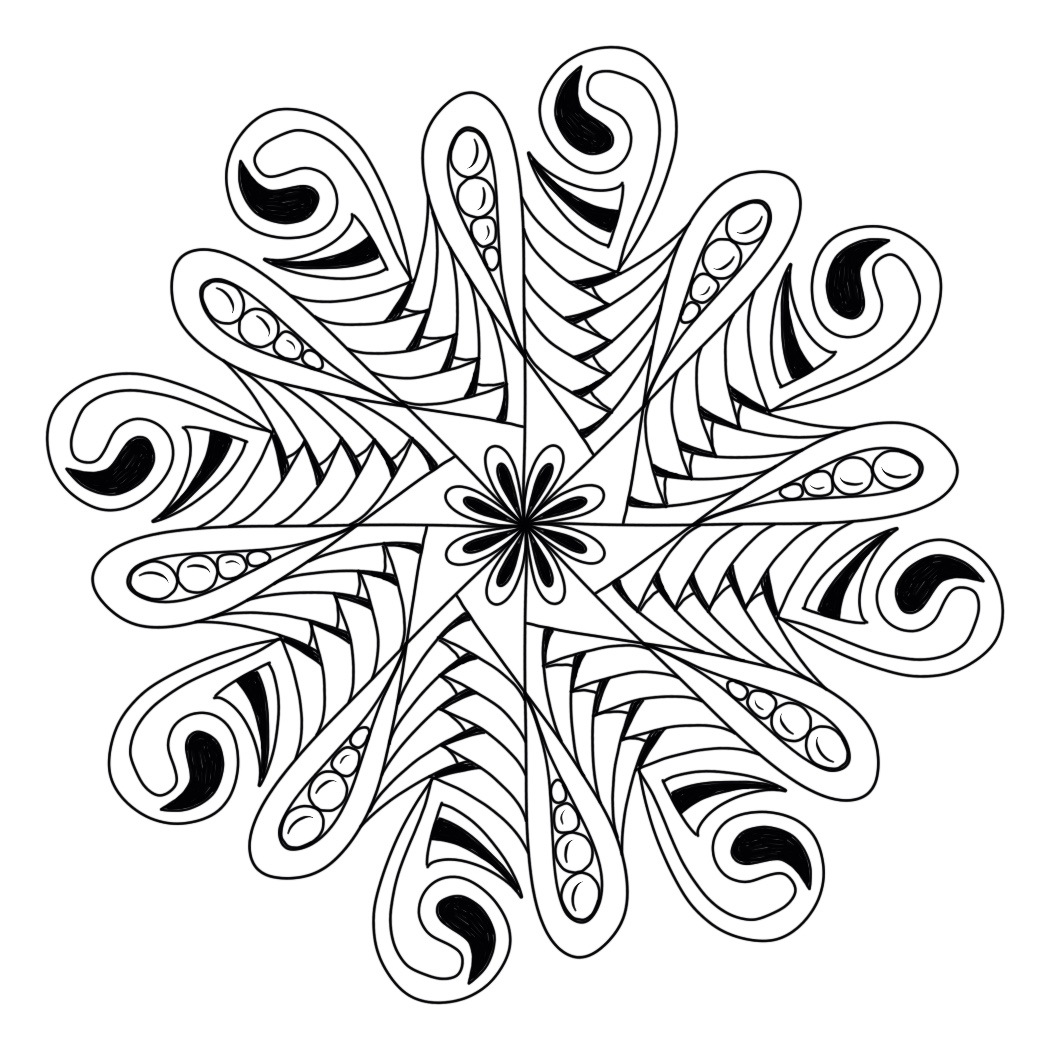
TV Time Last Night #alicehendon #procreateart

Alice Hendon, zendala fun on the iPad with the Procreate app
I just realized I forgot to shade this.
Oh well, I'll do that tonight when we watch
reruns on TV. Thankfully new episodes start
back up next week.
As much as I love Merlin, and Atlantis, and 
the Musketeers, and Agents of S.H.I.E.L.D.
there are only so many times you can watch them.
Trust me on this one.
I do like the way this turned out.
It was my first time to try something
curvy like mooka. 
And I'm liking the crazy lines on betweed.
First orbs I've done as well.
I must have drawn that largest one 20 times
before I could get the start and end points
to meet. Couldn't do that on a piece of paper.
Hahahahaha!
Tonight?
Shading 101. 

Monday, September 10, 2018

Procreate Meets Hahnemühle Harmony #hahnemuhle #hahnemuhleharmony #procreateart #dalerrowney

Alice Hendon, Hahnemühle Harmony Hot Pressed watercolor paper and Procreate app combo
I have been playing with the Procreate App 
on my ipad at nighttime while we Netflix.
'While we Netflix.' Heheheh. Like it's a verb! 
Alice Hendon, Hahnemühle Harmony Hot Pressed watercolor paper and Procreate app combo
 I took this background I had saved online and
uploaded it into the app to tangle on.
To make the background I used Daler Rowney 
Acrylic Artists Inks and water on a sheet of 
 Paper. I did a whole bunch of backgrounds 
and saved them before I drew on them.
Glad I did, too! Cause I can tangle on all of them
in the Procreate app - as many times as I want to!
Alice Hendon, Hahnemühle Harmony Hot Pressed watercolor paper and Procreate app combo
 The colors in this background don't really speak
of underwater sea life, but that is totally where
my brain went. So my pen went along for a
journey and we started tangling up some airways
and some printemps-armed-wavy-thingies
that I really like a lot!
Alice Hendon, Hahnemühle Harmony Hot Pressed watercolor paper and Procreate app combo
 Gotta have shading to makes things have dimension.
I am still figuring this part out in the program,
so I tried 'flat marker' this time and I like it.
Overall. Still a learning process.
Alice Hendon, Hahnemühle Harmony Hot Pressed watercolor paper and Procreate app combo
I liked the tangle combination so much I continued on
and added more of both tangles. 
I thought I was done, but I felt like the piece
needed one more little airways blob
in that upper corner. 
I was shading as I went along,
I didn't want to forget. 
Alice Hendon, Hahnemühle Harmony Hot Pressed watercolor paper and Procreate app combo
And then I was finished. 
So much fun!
A whole little group of anemones. 
Maybe that is what I will name that
wavy-armed-blob-thingy!

Interested in the Hahnemühle Harmony?
You can purchase some right here
Enjoy!

Thursday, September 6, 2018

Mixing Hahnemühle With the Procreate App #hahnemühle #hahnemühlecézanne #procreateapp #hahnemühlebamboo

Alice Hendon, Procreate App art on imported backgrounds I made on Hahnemühle papers
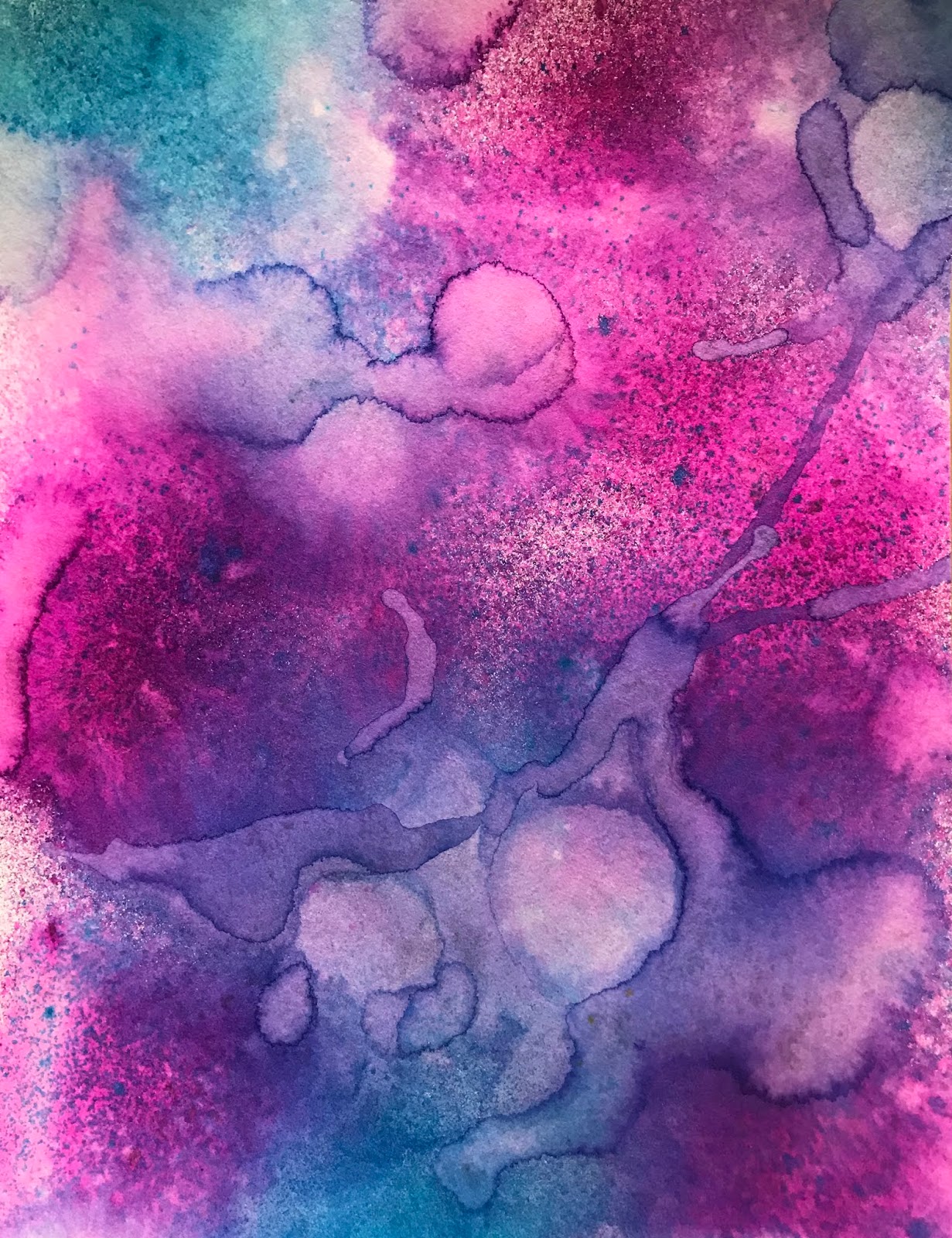
 This is an awesome background I made using
Bamboo Mixed Media paper from 
I used loads of water, blotted and mopped up,
then added more water and shimmer spray.
I also used a heat gun to make the heat rings.
Lots of working on this sheet of paper with tools
and it held up like a champ!
No problem with warping, pilling, or shredding.
And I love the bright, brilliant color.
Alice Hendon, Procreate App art on imported backgrounds I made on Hahnemühle papers
 I loved it so much that I imported it into the 
Procreate App on my iPad and tangled up
this mandala. I am still learning the program,
there is sooooo much you can do with Procreate.
And I still have my original sheet of color that
I can use for something else. 
I used tangle patterns: betweed, shattuck and flux.
Alice Hendon, Procreate App art on imported backgrounds I made on Hahnemühle papers
 This is a 12" x 16" sheet of 
Cézanne Hot Pressed Mould Made Watercolor paper
from Hahnemühle
For color I used a couple shades of the
Dylusions Ink Sprays and a lot of water.
Yep. 
That's my signature move - lots of water.
And a heat gun to make rings, drips and runs. 
I love that this sheet is so large and it looks
beautiful! 
Because it was originally on a block of
paper - that means it is glued on all 4 sides - 
I was able to leave it attached to the block 
until it was completely dry. And it stayed flat. 
Yayayay!!!
Alice Hendon, Procreate App art on imported backgrounds I made on Hahnemühle papers
I also uploaded this paper into the Procreate App
and tangled up a little underwater scene. 
Hahahahaha! 
I don't know where you'd have to go
to find a red and orange ocean,
but this is my underwater scene
and I'm sticking with it!
I used nebula, printemps, Indy Rella
ripped screen and a hybrid tangle I'm working on. 

I am really enjoying loading my backgrounds into 
the app and using them without actually drawing
on the original piece of art. That way I can use
the backgrounds again and again for other things.
Although I totally see myself tangling up this large
sheet of paper at some point. 

Hahnemühle has so many amazing types of paper
to draw or paint or print on. 
You can check them out at their website

The Bamboo Mixed Media can be purchased here
Cézanne Hot Pressed can be purchased here

And . . . if you are new to my blog, 
this is easy to remember 
pink = link. 
Saturday, September 1, 2018

Hahnemühle and Procreate #procreate #procreateart #hahnemühle #hahnemühlebamboo

Alice Hendon, Procreate app on the iPad artwork
 I am really having trouble getting motivated
to tangle. Zentangle. Meh. 
A lot of the zen has disappeared.
So I have been playing with the Procreate App
on my iPad. 
You know. Until the 'zen' makes a reappearance.
Above is Cherryl Moote's new tangle called
It is addictive and really easy to draw. 
One block leads to another.
You know? I just realized that all this art
is tangled. Maybe I am just having trouble
sitting down putting pen to paper???
Alice Hendon, Procreate app on the iPad artwork
I worked on this one last night.
I used a fun background I made on a piece of
and imported it into Procreate.
Want to see how I made the background?
Click here and read about the project in my product review of this awesome Bamboo Mixed Media paper from Hahnemühle. 
Alice Hendon, Procreate app on the iPad artwork
 I set Procreate up to design in symmetrical radial
and started making lines. 
I love how whatever I draw in one section replicates
itself into the other 7 sections automatically. 
And I can change brushes and pen colors and line thicknesses.
Alice Hendon, Procreate app on the iPad artwork
 The hardest part for me is segueing from lines to curves.
But I managed just fine. 
I went from my own tangle pattern stack
 to another tangle of mine called
Those cute little dandelion puff balls are a
brush in the program. Everything else I drew. 
I am noticing when I use the iPad to create
I am not incorporating printemps.
That is kind of weird. 
And strange. 
Oh well. 
Alice Hendon, Procreate app on the iPad artwork
Here is my finished project all zoomed in so
you can see it better. 
And it all started with some 
Hahnemühle Bamboo -
which you can purchase here
I love it!
Mixing paper art with digital art.
It is a win/win all around. 

Thursday, August 30, 2018

Continuing With Procreate #procreateart #tanglestartsstrings


Alice Hendon, Procreate fun on the iPad using new brushes
So I am pretty much having a blast at nighttime
watching Musketeer reruns and playing with my iPad. 
The Procreate app is pretty amazing and I don't even
know how to do very much with it yet. 
I imported the image above. (I used it for the
cover of my Tangle Starts Strings book.)
Made with alcohol ink on Yupo. 
And I started drawing. 
Tangles I used include stack, dandelions and abundies. 
Alice Hendon, Procreate fun on the iPad using new brushes
 But first I did this. 
Hahahahaha!
Playing with brushes.
So much fun!!!!
But I digress. 
Alice Hendon, Procreate fun on the iPad using new brushes
 Before shading. 
Alice Hendon, Procreate fun on the iPad using new brushes
After shading with an airbrush.
And I added some other brushes with the paint
spatters. It was pretty awesome to create!

Wednesday, August 29, 2018

From Hahnemühle Watercolor Paper to Procreate Mandala #hahnemühle #hahnemuhleharmony #procreateart

Alice Hendon, Hahnemühle background converted to Procreate mandala
 Still having fun with this Procreate app on my iPad. 
So, so much to learn!
I made this last night while listening to TV.
Let me walk you through what I did. 
Alice Hendon, Hahnemühle background converted to Procreate mandala
 Earlier in the month, I did a product review for the
Hahnemühle Harmony Hot Pressed Watercolour Paper. 
You can read the review here.
For this project in Procreate,
I imported one of the backgrounds I made for that
review - using the Hahnemühle Harmony paper. 
I put the settings on symmetry and clicked the radial option.
The cool thing about radial symmetry is this -
whatever you draw in one section of the radial grid
automatically appears in all the other sections. 
I started in the center by drawing one loop.
The program replicates that one loop into eight.
I just kept adding lines.
Alice Hendon, Hahnemühle background converted to Procreate mandala
 I am so in awe of what the program does that I have
trouble remembering what tangles I know. 
Hahahahahaha!
I figure loops, auras and copadas are always
a good way to go. 
And a mix of straight and curves.
You know . . . for balance.
And I could tell it needed contrast so I filled
some areas in with black.
Alice Hendon, Hahnemühle background converted to Procreate mandala
And just kept building till I felt like it was complete.
Alice Hendon, Hahnemühle background converted to Procreate mandala
Then I moved on to shading.
Still trying to figure this part out on the iPad - 
I used the airbrush.
I could also do this in color so maybe
next time I will try shading with a 'color'
instead of grey.
Overall I love how it turned out and I am
ready to give it another go!
Procreate App available in the App Store. 

Tuesday, August 28, 2018

Playing With the Procreate App #procreate #digitalart

Alice Hendon, playing with procreate on my iPad, making mandalas
 I finally got brave enough to charge my
Apple Pencil and check out the Procreate
app on my iPad. 
So much fun!!!
My friend Cindy got me started and this is
what I made in the symmetrical setting.
I honestly don't recall how I added the
shading. I am hoping I can figure that out
the next time I try. 
Hahahahaha!
Alice Hendon, playing with procreate on my iPad, using one of my color backgrounds.
For this one I imported a page from my
Tangle Starts book. Everything you see in the
 background is actually a gelli plate pull I made
using a stencil. I imported it into Procreate
and used the technical pencil and the gel pen
to add some floral designs.
Kind of quick, spent about 10 minutes figuring
it out. I do love it!
Alice Hendon, playing with procreate on my iPad, making pretty sunsets
 This is part of an art piece I made at Robin Mead's
class back in July. I did a quick screen shot of a portion
of it, imported it into Procreate, and added some
tangles with my Apple Pencil. 
I even figured out how to draw them in color. 
Alice Hendon, playing with procreate on my iPad, making pretty sunsets
Then I started over with the same picture before
tangles, and clicked a link called 'automatic.'
When I touched the pen to the color in the photo -
this is what happened!
Cool!
No idea why, but I love it!
I am easily amused.
I promise I will be learning more about this
app and will keep showing you my fun results.
Heheheheheh!